Screen replacement
Send the exact model and symptoms so the Bristol team can check the most appropriate starting point.
Windows laptop screen, charging, hinge, overheating, upgrade and data-support services.
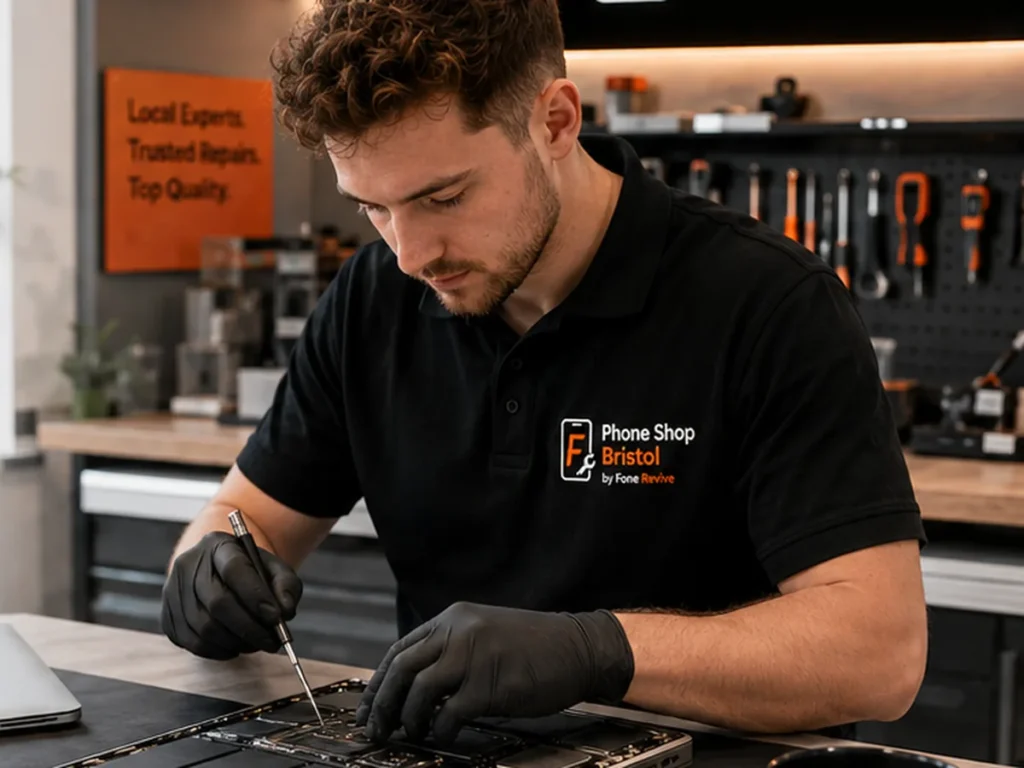
Availability, part choice and turnaround depend on the exact model and fault. We confirm the practical options before approved work begins.
Send the exact model and symptoms so the Bristol team can check the most appropriate starting point.
Send the exact model and symptoms so the Bristol team can check the most appropriate starting point.
Send the exact model and symptoms so the Bristol team can check the most appropriate starting point.
Send the exact model and symptoms so the Bristol team can check the most appropriate starting point.
Send the exact model and symptoms so the Bristol team can check the most appropriate starting point.
Send the exact model and symptoms so the Bristol team can check the most appropriate starting point.
We aim to make the repair route understandable before you commit to additional work.
Parts can differ between similar model names. Exact details help us check compatibility and likely availability.
Where suitable alternatives exist, we explain meaningful differences in quality, cost and expected result before approval. Parts vary by model and budget; ask the on-site engineer which option is being fitted before authorising the repair.
Covered repair faults are supported under the applicable warranty terms. New accidental, liquid or unrelated damage is excluded.
Use Union Street for BS1 or Gloucester Road for BS7 so your booking reaches the correct team.
Accurate details help us check parts, practical options and likely turnaround.
Where diagnosis is needed, the identified issue and material changes are explained before additional approved work.
5 Union Street, Bristol, BS1 2DD
55 Gloucester Road, Bristol, BS7 8AD
Useful detail from an independent Bristol repair and technology team, written to help customers make a sensible decision rather than to fill a page with generic keywords.
Laptop components vary even within the same brand and series. The full model number from the base label or BIOS helps identify the correct display connector, charger specification, battery and other replacement parts. For repair enquiries, describe what happened before the fault appeared, whether the device has been repaired before and which functions still work. For buying or selling, give the exact model, storage, colour and condition. Good information at the start reduces wasted journeys, incorrect parts and unrealistic estimates.
For laptop support, common questions can involve screen, DC/USB-C charging, hinge, keyboard, fan, SSD/RAM and startup faults. A symptom is not always the cause: for example, a device that will not charge may have debris in the port, a worn battery, damaged connector or board fault. Inspection and testing are sometimes necessary before a final diagnosis is possible.
A reliable quotation should identify what is known and what still needs diagnosis. Prices can vary by model, part quality, complexity and hidden damage. When more than one suitable replacement option exists, we aim to explain the practical differences in quality, features, cost and expected result. The customer can then choose an option that suits the device, intended use and budget.
Many common jobs may be available on the same day when the correct part and technician are available, but this is not a blanket promise. Liquid damage, intermittent faults, board-level work, uncommon models and parts that need ordering can take longer. If timing matters, confirm availability with the selected store before travelling.
Back up important information before handing over a damaged or unstable device whenever possible. Standard hardware work often leaves customer data in place, but no repair business can guarantee data preservation in every fault scenario. Customers should keep banking passwords, one-time security codes and unrelated account credentials private. Where a passcode is genuinely required for testing, ask why it is needed and change it afterwards if appropriate.
For repairs, function testing should be relevant to the work completed. Existing unrelated faults or damage should remain separate from the repair being authorised. If diagnosis reveals a materially different problem or price, the customer should be contacted before additional approved work proceeds.
Used devices and repaired devices should not be described as “like new” unless the actual condition supports that claim. Where battery condition, cosmetic wear or included accessories vary by unit, the product listing or engineer should explain the exact details. This is more useful than applying one generic claim to every phone, laptop or accessory.
Selected refurbished devices can go through a broader quality inspection covering relevant functions, but the checklist does not replace the individual product description. Condition grade, battery information, warranty terms and included accessories still need to be clear for the actual item.
Phone Shop Bristol operates through two physical Fone Revive locations: 5 Union Street, Bristol BS1 2DD and 55 Gloucester Road, Bristol BS7 8AD. Repair bookings are store-specific because the branches have separate queues and stock. For a particular phone, laptop or accessory, branch availability can change during the day, so checking before travel is sensible.
The business has served the Bristol community since 2015. That history is useful because customers can return to a physical shop for after-sales support rather than relying only on an anonymous online seller. We are an independent third-party repair and technology business; manufacturer affiliation or authorised-provider status is not implied.
Qualifying repairs and products carry the stated limited warranty, with statutory consumer rights unaffected. A repair warranty is intended to address a covered technical fault with the supplied repair; new impact, cracked glass, liquid ingress, misuse and unrelated faults are not automatically covered. Product warranty also depends on the item and the terms shown at purchase.
Keep the receipt, repair reference or order number. If something appears wrong after collection, contact the original store and describe the issue before arranging further work elsewhere. Clear records make it easier to identify the original job, fitted part and applicable aftercare. If you are uncertain about coverage, ask the team before paying for another repair.
Answers to common questions about this repair service. For an exact model, price or part check, choose a Bristol store or contact the team.
Ask on WhatsAppThe team works with many common Windows laptop brands. Send the exact make, model and fault before visiting so parts and repair options can be checked.
Many laptops support SSD or memory upgrades, but compatibility depends on the exact model and its available slots or soldered components.
Walk-ins are welcome, but booking helps the chosen store check the likely part, technician availability and expected turnaround before you travel.
Many common repairs may be available the same day when the correct part and technician are available. Complex diagnostics and board-level work can take longer.
Many hardware repairs do not require data removal, but you should back up important information whenever possible because no device or repair can be treated as completely risk-free.
Qualifying repair faults are supported under the applicable warranty terms. New physical damage, liquid damage, misuse and unrelated faults are excluded.
Choose Union Street / Broadmead for BS1 city-centre bookings or Gloucester Road / Bishopston for BS7 and North Bristol. Each store has its own repair booking system.
Yes. Use the relevant booking system or send the exact device model, fault and clear photos through WhatsApp. Final pricing can still depend on inspection and part choice.
BOOK THE CORRECT BRISTOL STORE
Each store has its own repair queue. Choose the location you plan to visit.